




Who This Guide Is For
- Installers coordinating cabinet, wardrobe, vanity, and wall-panel packages across repeated apartments or hotel rooms.
- Project managers who need phased receiving, floor-by-floor distribution, and accountable handover.
- Contractors trying to reduce wrong-room installation, missing-hardware delays, and avoidable rework.
- Developers, importers, and procurement teams preparing a production-release and packing-control system.
Key Takeaways
- A label is a physical link between the approved drawing and the item at the installation point; it is not merely a shipping mark.
- Use stable codes for project, revision, unit, room, cabinet, and package sequence.
- Repeat the same identifier on cartons, door packs, hardware bags, packing lists, QC records, and the installation checklist.
- Include an exception process for damaged, missing, or superseded packages before shipment.
- Barcode or QR scanning can accelerate receiving only after the code structure and document control are reliable.
Cabinet Labeling for Multi-Unit Projects: The Control Table
On mobile, swipe left or right to view all table columns.
| Label element | Example format | Why installers need it | Control rule |
|---|---|---|---|
| Project and drawing revision | PRJ-046 / Rev C | Stops an old layout being mixed with the released package | Print only after production release is frozen. |
| Building, floor, and unit | B2 / 08 / 0806 | Sends the package to the correct destination before unpacking | Use the same hierarchy as the site programme. |
| Room or zone | Kitchen / Bedroom 2 | Separates adjacent packages within one unit | Match the room name on plans and elevations exactly. |
| Cabinet or component code | K-03 / W-12 / FP-04 | Identifies drawing location and orientation | Keep one code across drawings, QC, packing, and installation. |
| Package sequence | Carton 2 of 5 | Shows whether a cabinet set is complete | Count by cabinet set, not only by pallet. |
| Handling / finish note | Glass / keep dry / door pack | Protects vulnerable items and controls unpacking order | Use agreed symbols or plain-language notes. |
What Should a Cabinet Label Actually Identify?
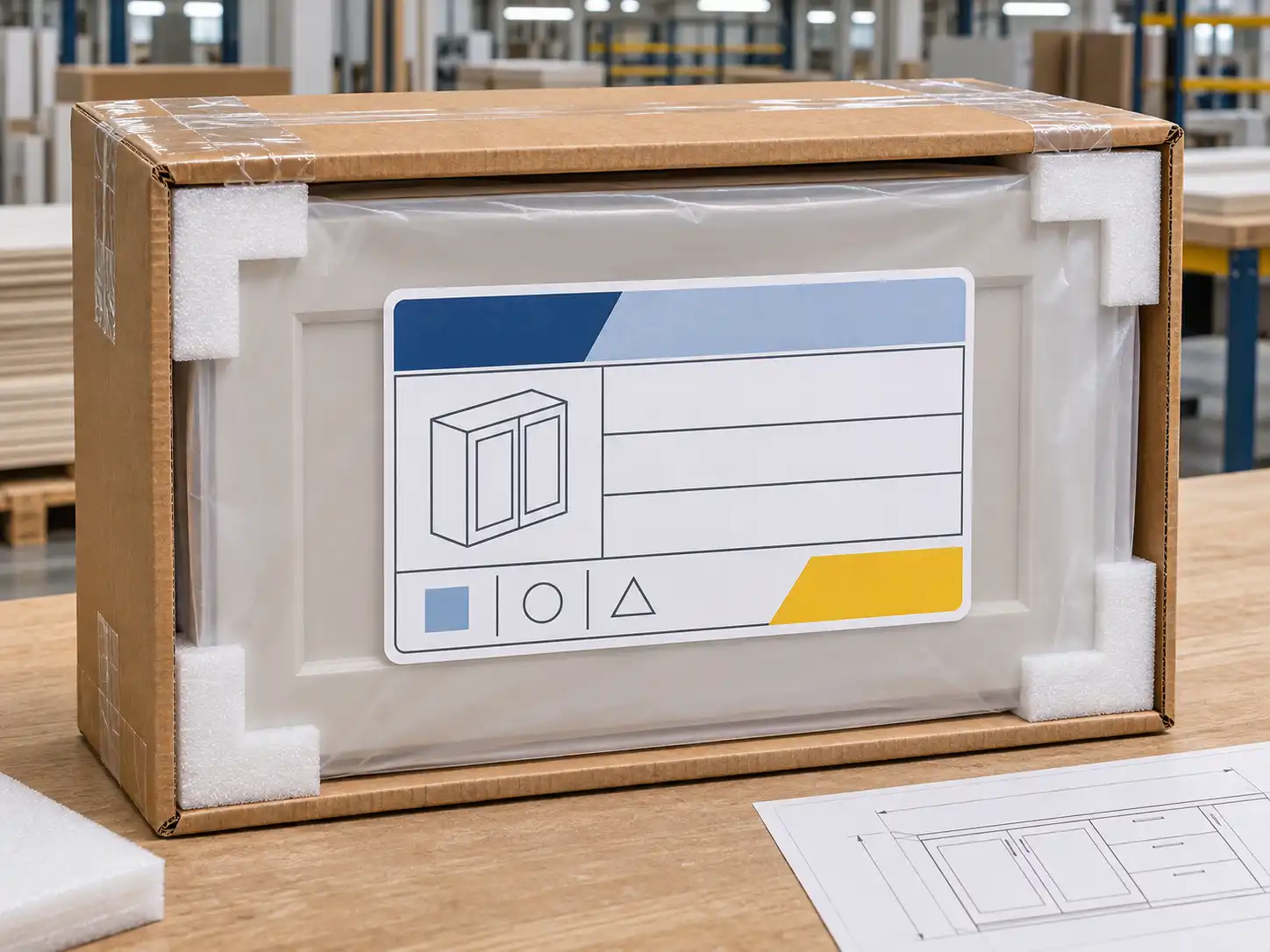
A good project label carries only information the receiving and installation teams can use. Long marketing descriptions, generic product names, and unlinked warehouse codes create noise. The core identifier should be readable from a normal handling distance and remain meaningful if a pallet is separated, a carton moves to another floor, or a hardware bag is opened after the main package is discarded.
For a repeated apartment project, use a hierarchy of project code, drawing revision, building, floor, unit, room, cabinet code, component type, and carton number. A door carton and its hinge bag should point to the same cabinet code even when they travel separately. If an elevation says K-03, the carton, drilling record, hardware bag, packing list, and site checklist should all say K-03. Add a component suffix only where needed, such as K-03-D for doors or K-03-H for hardware; the cabinet code remains the anchor.
How Do Labels Connect Drawings, QC, Packing, and Installation?
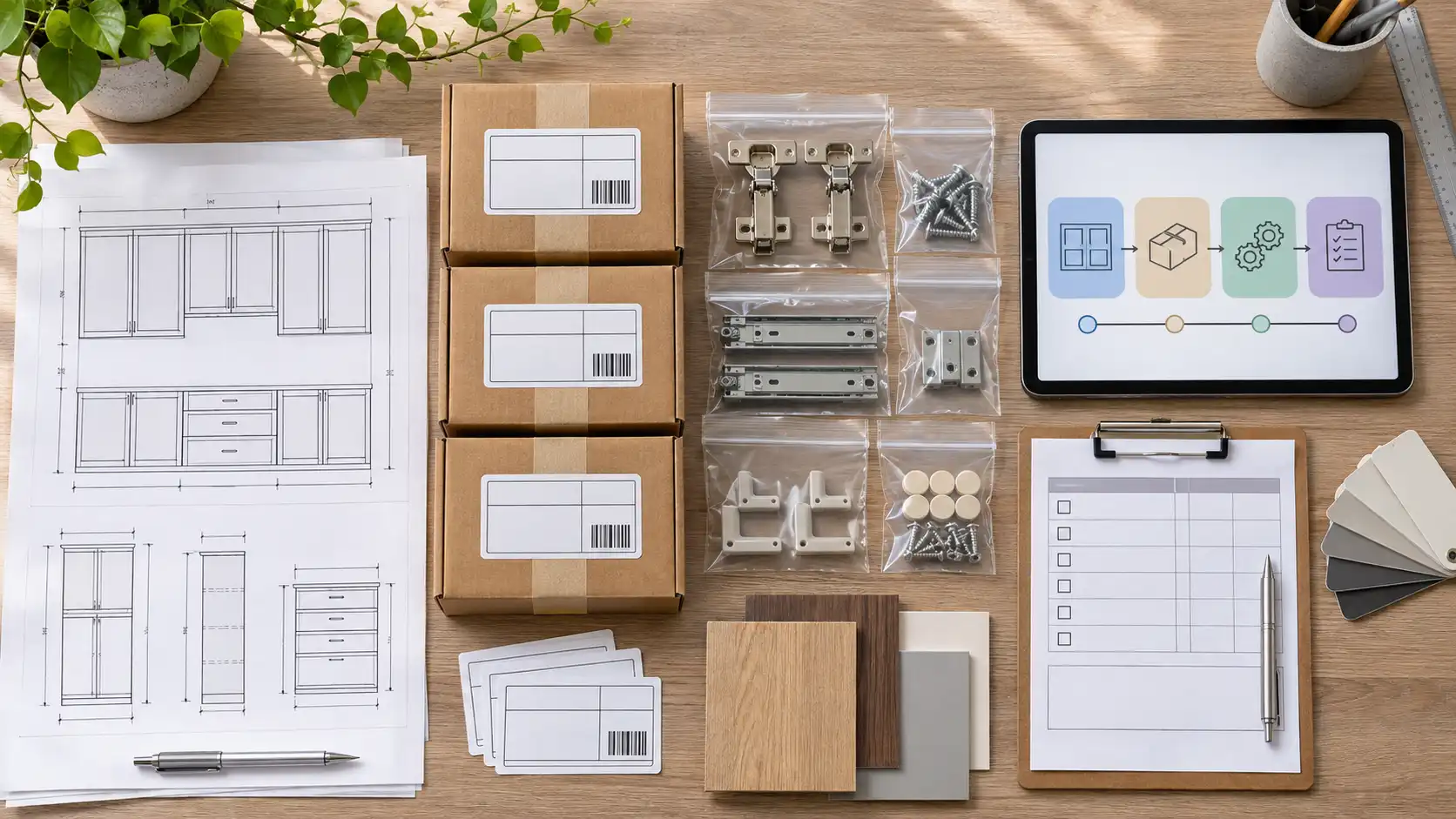
The reliable approach is a single controlled data chain, not independent lists. The project team approves a drawing revision and cabinet schedule. Production uses those codes for cutting, drilling, assembly checks, and first-piece inspection. Final QC confirms the code before components are packed. The packing list groups codes by unit and room, while the installer checks them against the installation drawing at receipt.
The seven-step label workflow
- Freeze the drawing issue. Record the approved revision, issue date, and cabinet schedule before labels are generated.
- Assign one cabinet code per drawing location. Include fillers, end panels, loose shelves, door packs, and hardware kits when separate handling is needed.
- Build a package map. State which cartons belong to each code and their sequence.
- Print from the approved schedule. Do not type codes manually at dispatch or copy them from an old packing list.
- Verify at final QC. Compare component, finish, cabinet code, unit/room, and count with the production record.
- Receive by zone, then cabinet code. Confirm count and condition before floor distribution.
- Record exceptions against the same code. Report a shortage, damage, wrong item, or revision question with cabinet code, package number, photo, and location.
This workflow is especially important when standard carcasses are flat-packed while doors, glass, tall panels, and hardware travel separately. It also works for factory-assembled modules: the module label still identifies unit, room, cabinet code, and drawing revision.
Which Label Format Works on a Busy Site?
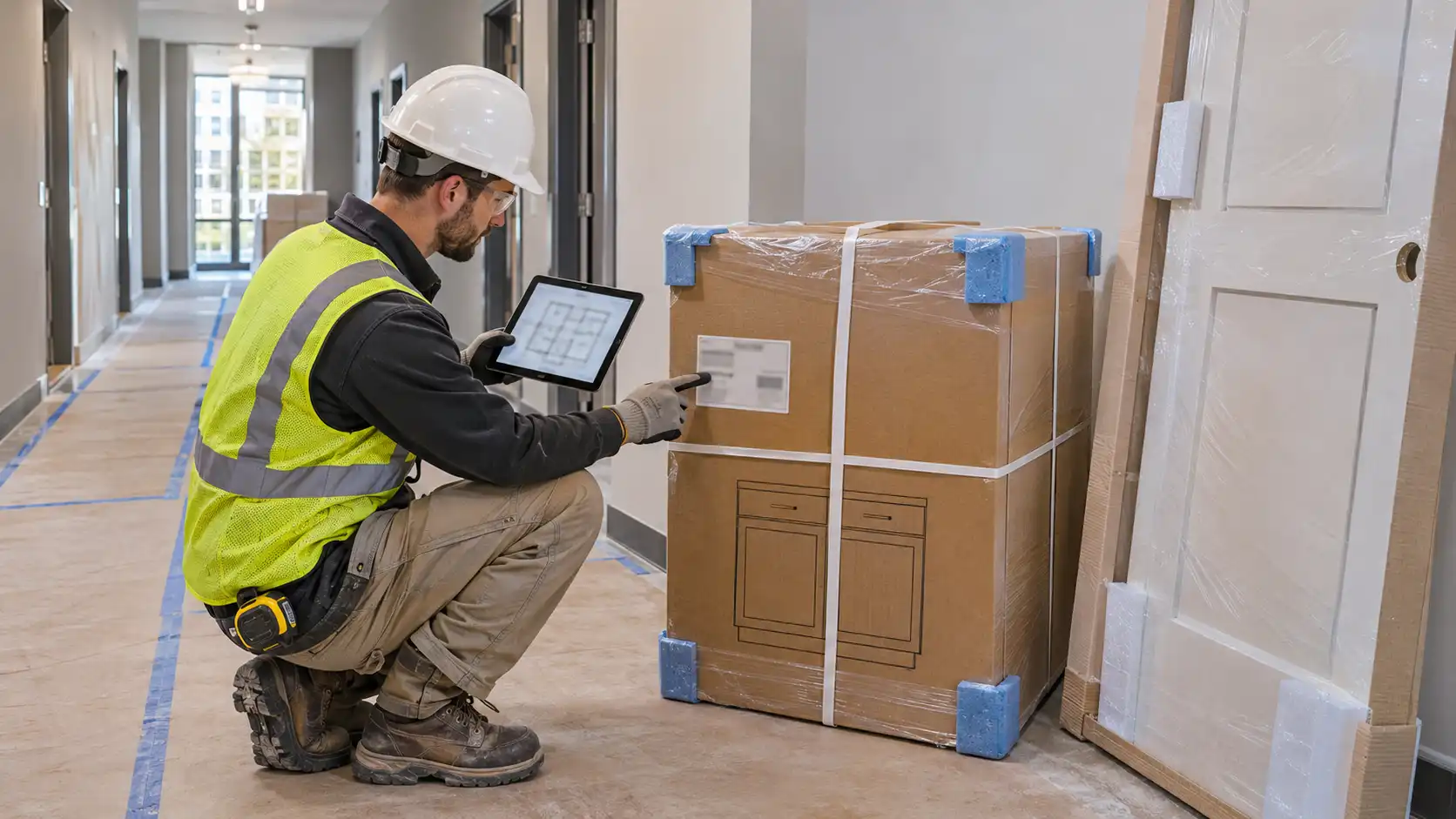
Labels must survive handling and remain legible. Use a clear hierarchy, strong contrast, and a size suited to the package. Place them on an accessible carton or sleeve side, not only on stretch wrap removed at the loading bay. For long panels, repeat the identifier on outer and internal protection where practical. For hardware bags, use a durable secondary label or enclosed code card.
On mobile, swipe left or right to view all table columns.
| Site situation | Recommended label treatment | Avoid |
|---|---|---|
| Repeated apartments | Large unit and room line; cabinet code beneath; visible package count | Identifying cartons only as “base cabinet” |
| Separate door packs | Cabinet code plus door count, finish group, and room | A mixed door carton without cabinet references |
| Hardware bags | Cabinet code, hardware type, and package relationship | One loose accessory carton for an entire floor |
| Long fillers and wall panels | Repeat code at each protected end; keep orientation where required | A hidden label after one end is unwrapped |
| Palletised delivery | Pallet summary plus a carton-level label on every package | Using a pallet number as the installation location |
| Replacement part | Original cabinet code, current revision, and replacement reference | Reusing an obsolete label without a variation record |
An optional barcode or QR code can speed receiving when the site uses a phone or scanner. It should point to a controlled record, not replace human-readable fields. GS1 barcode guidance explains how identifiers and attributes support supply-chain tracking; its traceability standard also emphasises consistent data capture and sharing. A bespoke cabinet project does not automatically need GS1 identifiers, but the same discipline matters.
Factory Insight: Labels Must Be Issued After Drawing Control
At KEJIA, the label plan should be reviewed with the drawing package, not added at the end of packing. Before production release, we align cabinet schedule, drawing revision, room list, finish schedule, hardware allocation, packing method, and installation sequence. This determines whether the label belongs on a module, carton, door pack, hardware bag, or individual protected panel.
Final QC verifies more than the outside label. The cabinet code should agree with the component, finish, drilling pattern, hardware allocation, and quantity. If a drawer box, left-hand door, or tall filler is packed separately, its label preserves its relationship to the parent cabinet code. If a project changes after release, issue a documented variation that identifies the affected original code, new revision, changed component, and destination; do not simply over-sticker a carton.
Six Labeling Failures That Create Installation Errors
1. Printing labels before the drawing revision is approved
Early labels can send a correct component to an obsolete location. Freeze the drawing issue and cabinet schedule before printing, then treat later changes as controlled variations.
2. Labeling by room only
“Kitchen” is not enough when one room contains several base cabinets, tall units, fillers, and appliance panels. Add the cabinet code and package sequence.
3. Separating doors and hardware without a common code
Separate packing protects finishes but creates orphan parts unless every related door pack and hardware bag retains the parent cabinet code, unit, and room.
4. Using pallet labels as the only record
Pallets are shipping groups, not installation groups. Keep a carton- or module-level identifier that matches drawings once cartons are distributed.
5. Treating a scan code as the entire system
A QR or barcode only accelerates lookup. If its linked schedule is outdated, scanning makes the wrong decision faster. Control the revision and data source first.
6. Reporting shortages without package evidence
Record project, revision, unit, room, cabinet code, package number, count, photographs, and receiving date. “Missing cabinet parts” is too vague to investigate.
Site Receiving and Installation Checklist
- Confirm the approved drawing revision and cabinet schedule are available to the receiving team.
- Check delivery by building, floor, unit, and room before cartons are distributed.
- Match each carton, module, door pack, and hardware bag to a cabinet code.
- Confirm package sequence and carton count for each cabinet set before opening it.
- Photograph damaged, wet, crushed, or incorrectly labeled packages with their code visible.
- Keep door packs and hardware bags with their parent cabinet code until installation.
- Quarantine any item with an obsolete revision or mismatch to the packing list.
- Record shortages and replacement requests with full identifier, photos, and installation priority.
For additional delivery controls, review the cabinet packaging for international shipping and flat pack vs assembled overseas cabinets guides before confirming the packing format.
Frequently Asked Questions
What is the minimum information on a cabinet carton label?
Show project and approved revision, building or unit, room, cabinet code, and package sequence. Add component type and handling information for doors, glass, hardware, or long panels. The label must use the same terms as installation drawings and the packing list.
Should every cabinet part have its own label?
Not always. Apply identification at the level needed to prevent separation or confusion. A complete assembled module may need one durable label, while flat-packed cabinets need carton-level labels plus matching door and hardware identifiers. Loose fillers, shelves, glass, and special panels normally need individual protection labels.
Can a QR code replace a paper packing list?
No. QR is useful for fast lookup, but retain a readable delivery record and controlled installation schedule. Connectivity, device access, and outdated links can interrupt scanning. Print the core identifier clearly and use digital records as an additional control.
How are replacement parts labeled?
Keep original project, unit, room, and cabinet code, then add a unique replacement reference and applicable revision. This shows what the part replaces and avoids mixing new and obsolete components. The request should also include photos and a clear reason for issue.
What happens when one cabinet serves two rooms or a shared area?
Use the physical installation location as the primary room or zone, then add a cross-reference if the drawing schedule needs it. A shared corridor storage unit should follow the common-area code rather than an apartment number. Avoid two competing primary locations.
Who should approve the label format before production?
The project manager, installation lead, procurement owner, and factory project coordinator should review a sample label with the drawing schedule and packing list. Confirm code hierarchy, revision notation, language requirements, scan method, package logic, and receiving workflow before batch printing.
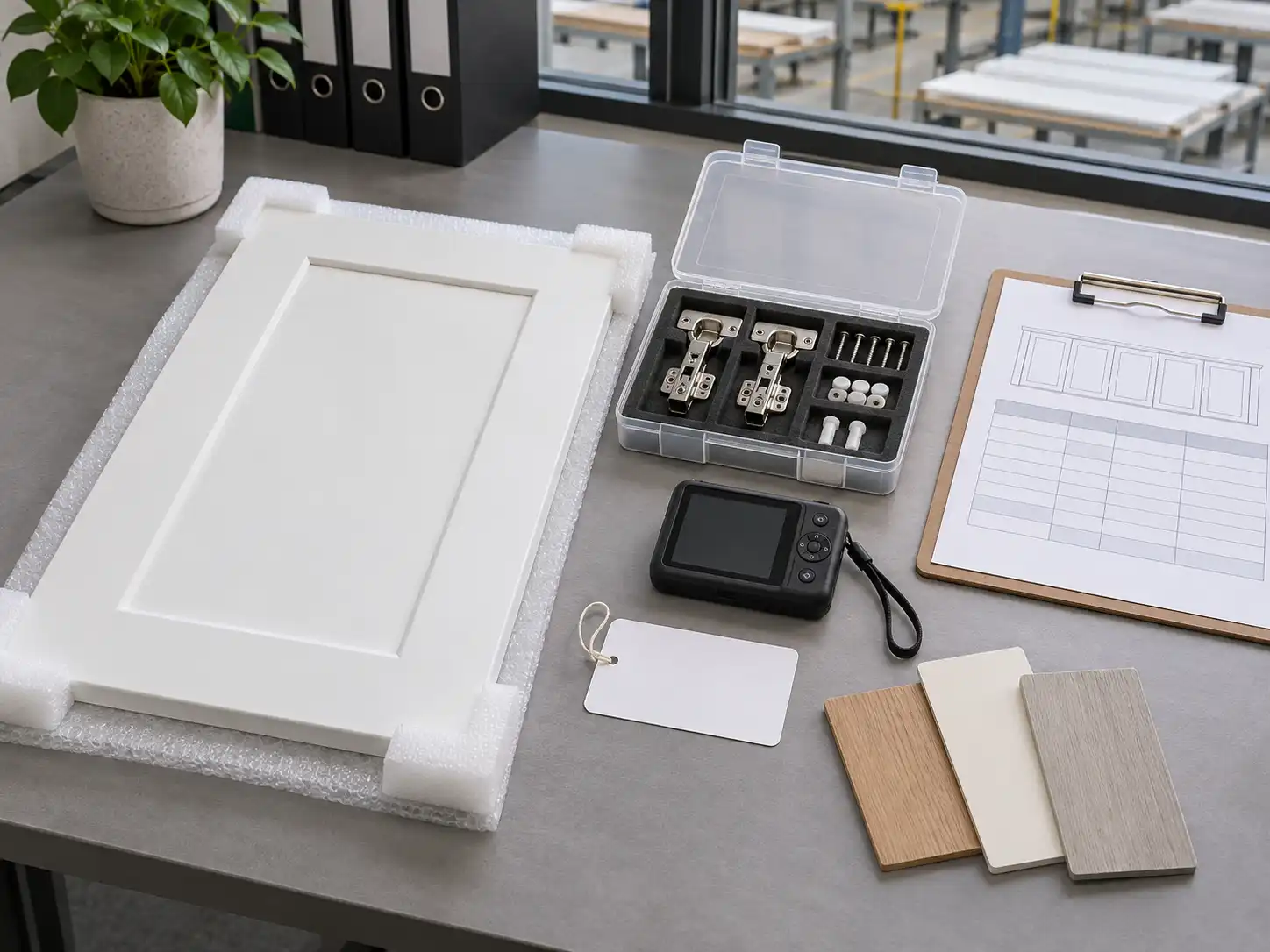
Request a Cabinet Labeling Plan
Send KEJIA your controlled drawings, unit schedule, installation sequence, destination, and packing preference. We can prepare a room, unit, cabinet, and package labeling plan that connects production QC, export packing, site receiving, and replacement parts before production begins.